Overview of your site's safety on one platform.
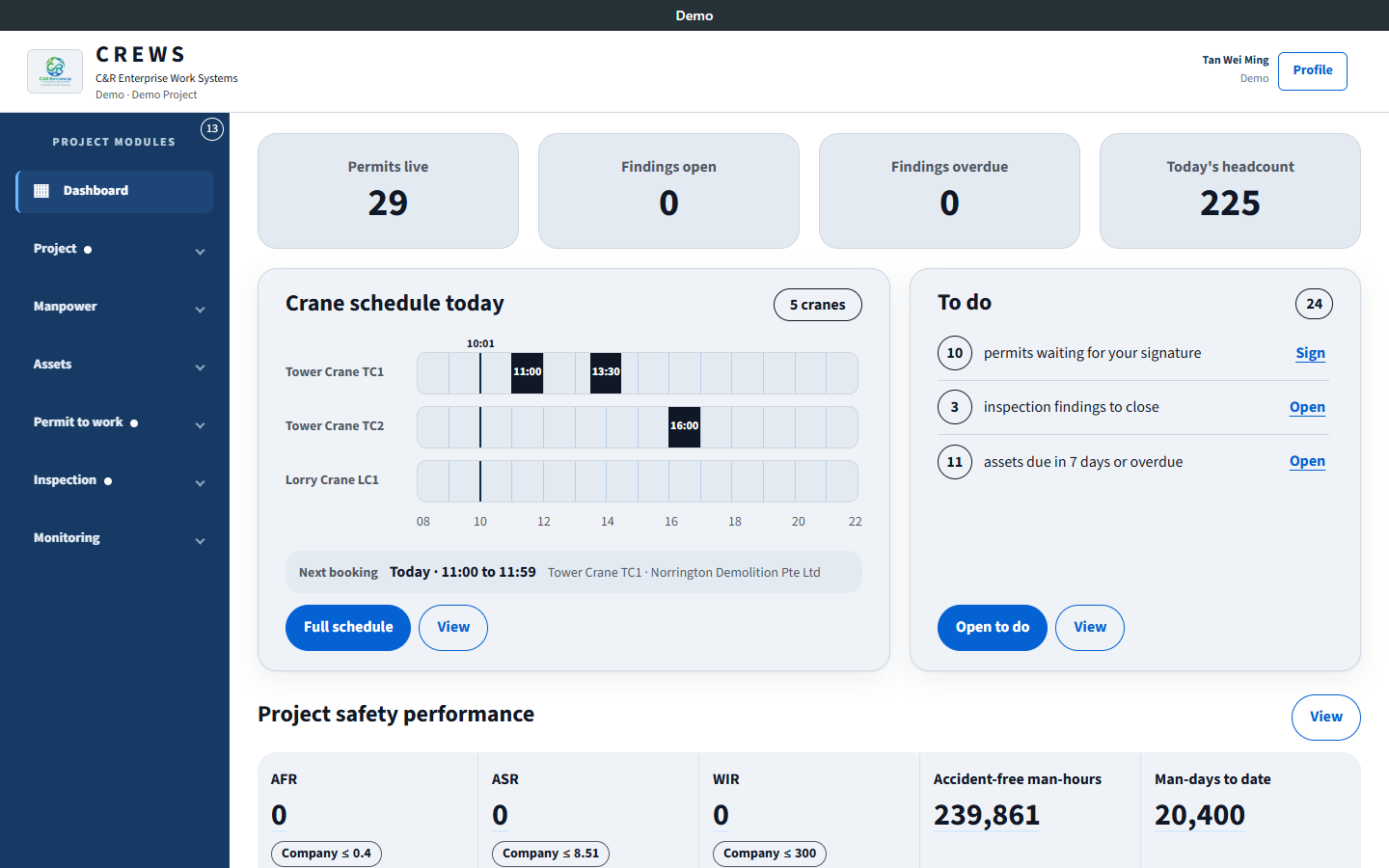
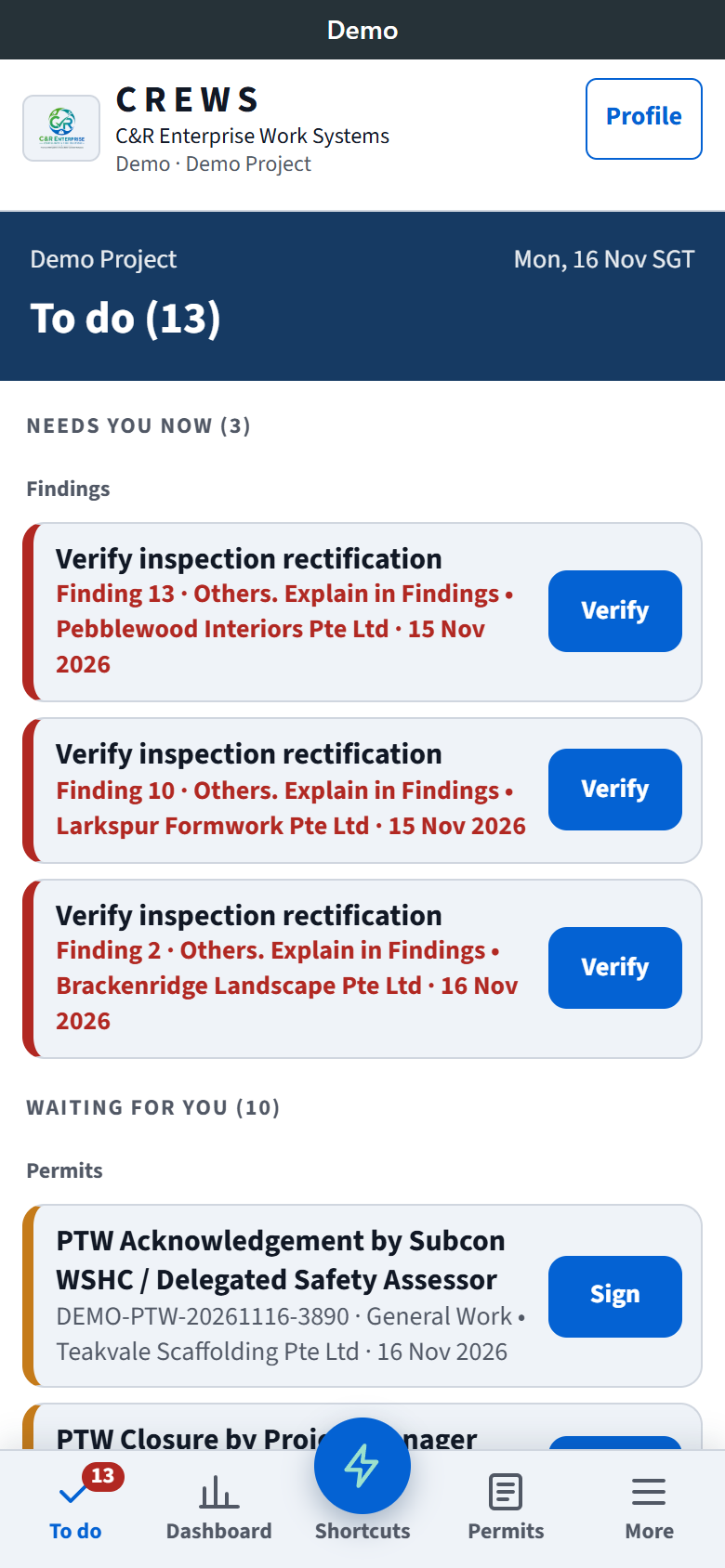
The Dashboard on the site-office screen, and To do on a phone: what each person must act on. Screens show a demo project with made-up data.
The safety work you do each day.
Open CREWS on your phone to see the work waiting for you.
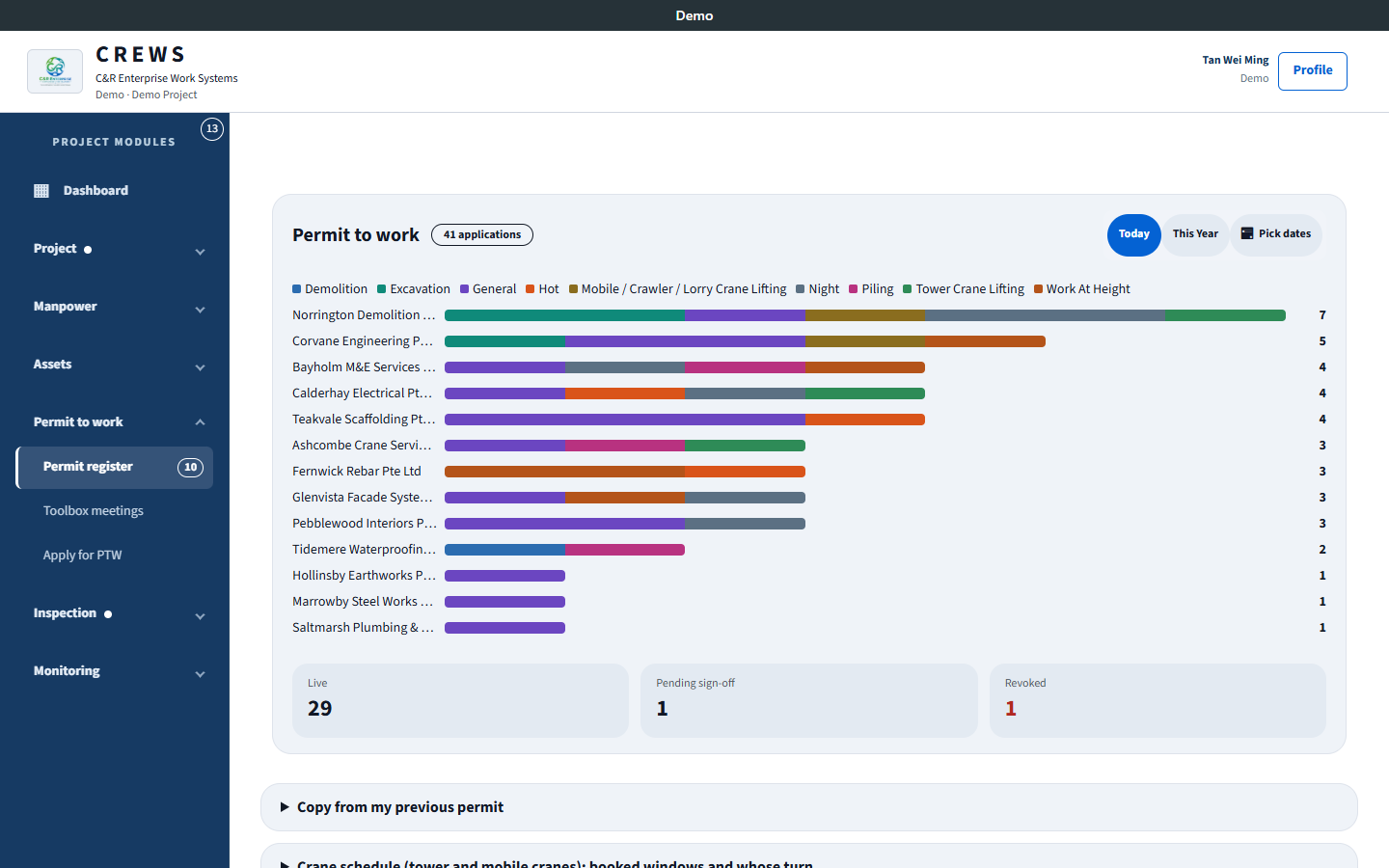
Permits
Documents such as checklists and approved RAs/SWPs stay together in one permit.
Approval steps run in order and cannot be skipped.
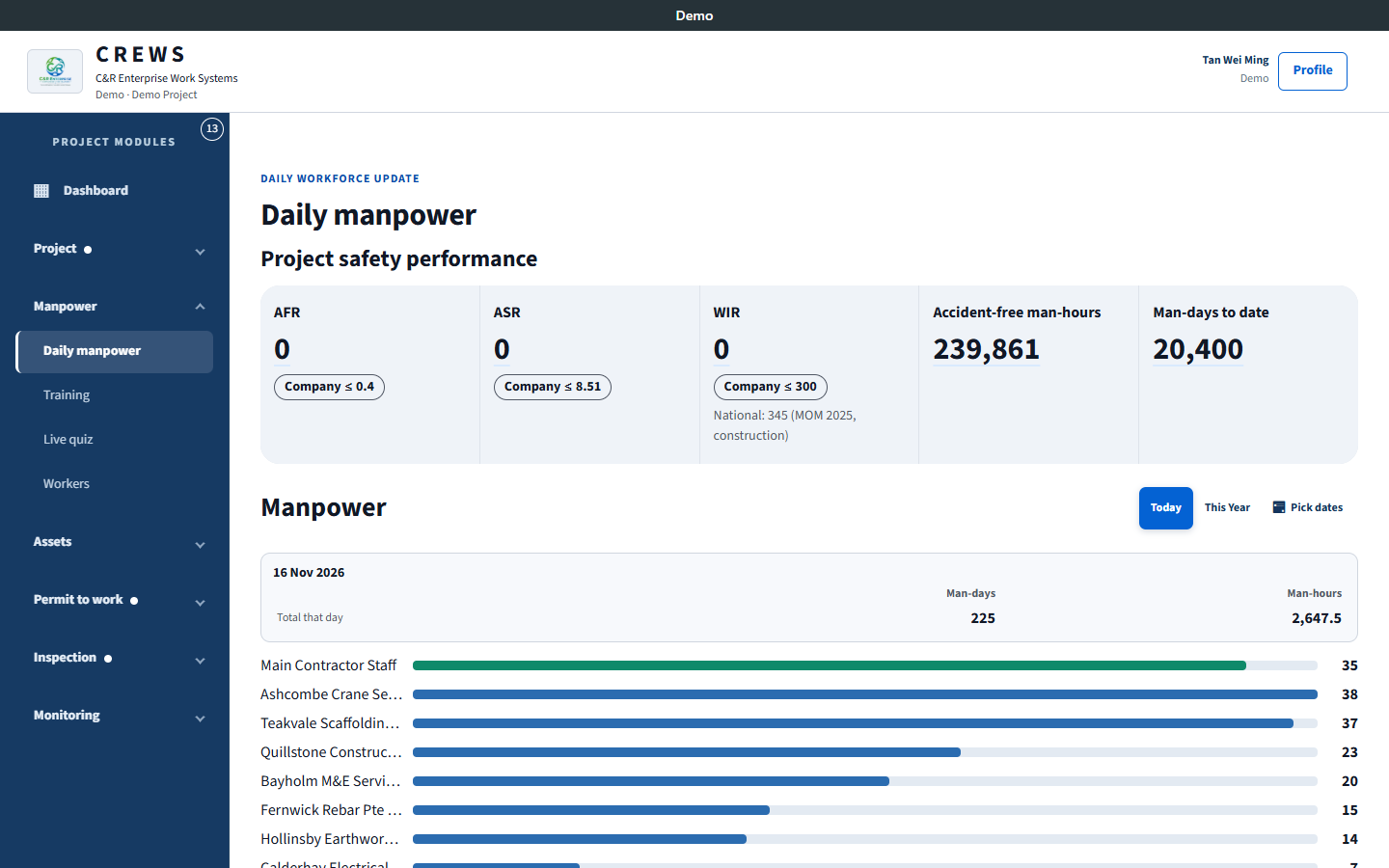
Manpower
Seamless tracking of daily manpower.
Worker e-cards, certificates and letters of appointment in one place.
Inspections
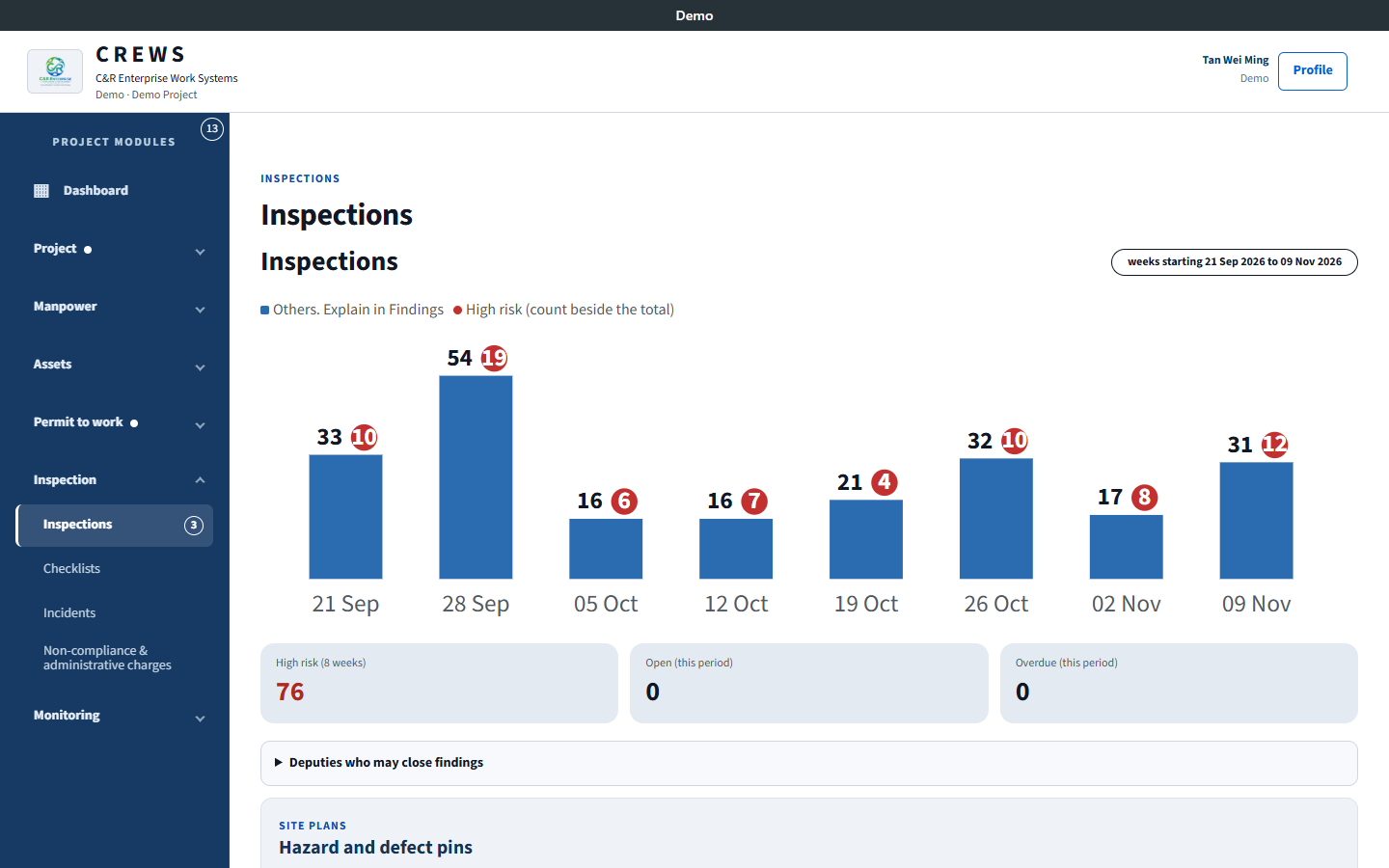
Log each finding with photos and where it is.
Leave each inspection knowing what was found, where it is and which company is responsible for fixing it.
Machines
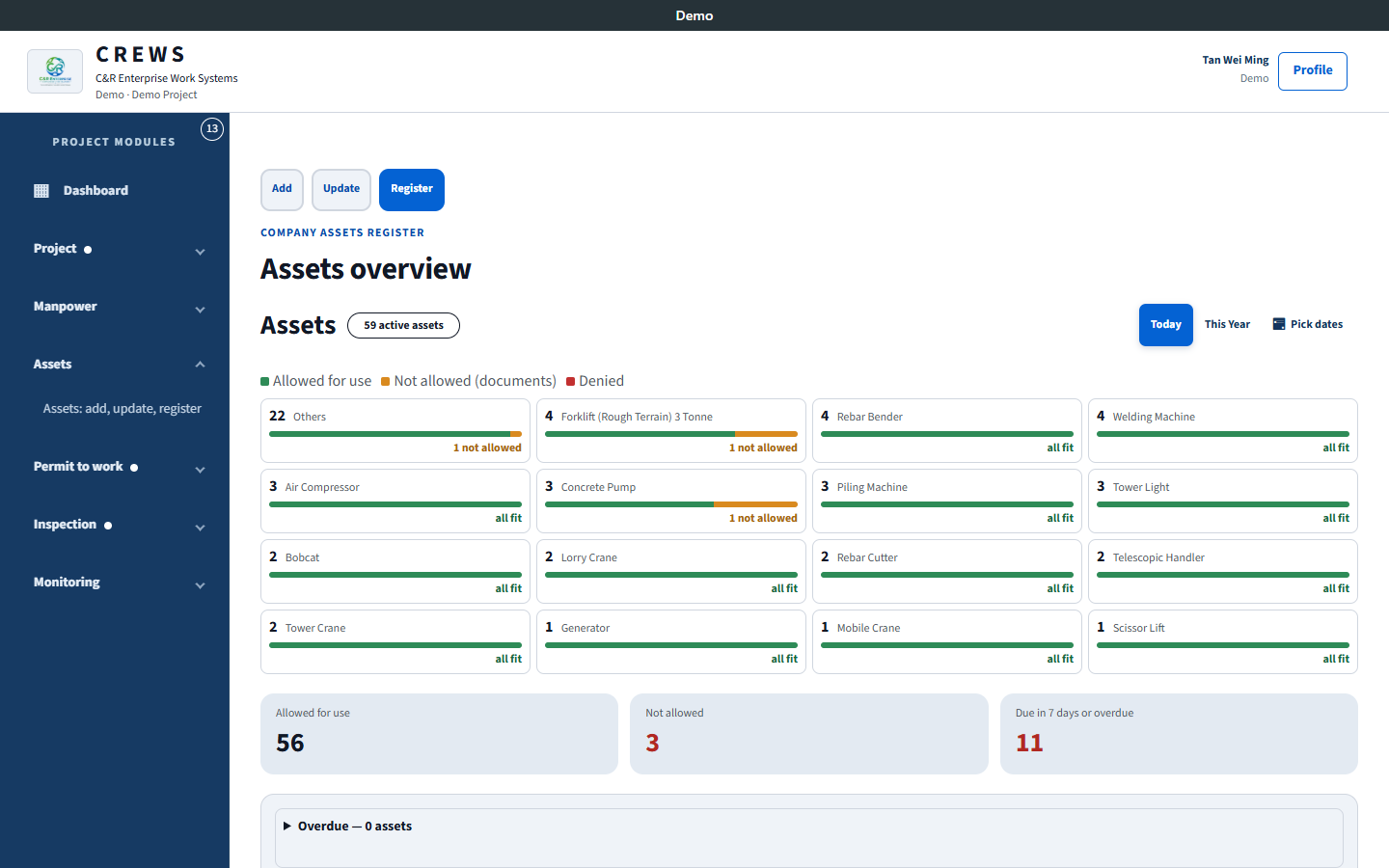
Easy tracking of machinery maintenance, with the next service date when it is recorded.
Scan a machine's QR code to see its latest daily check. Lifting gear register.
Meetings
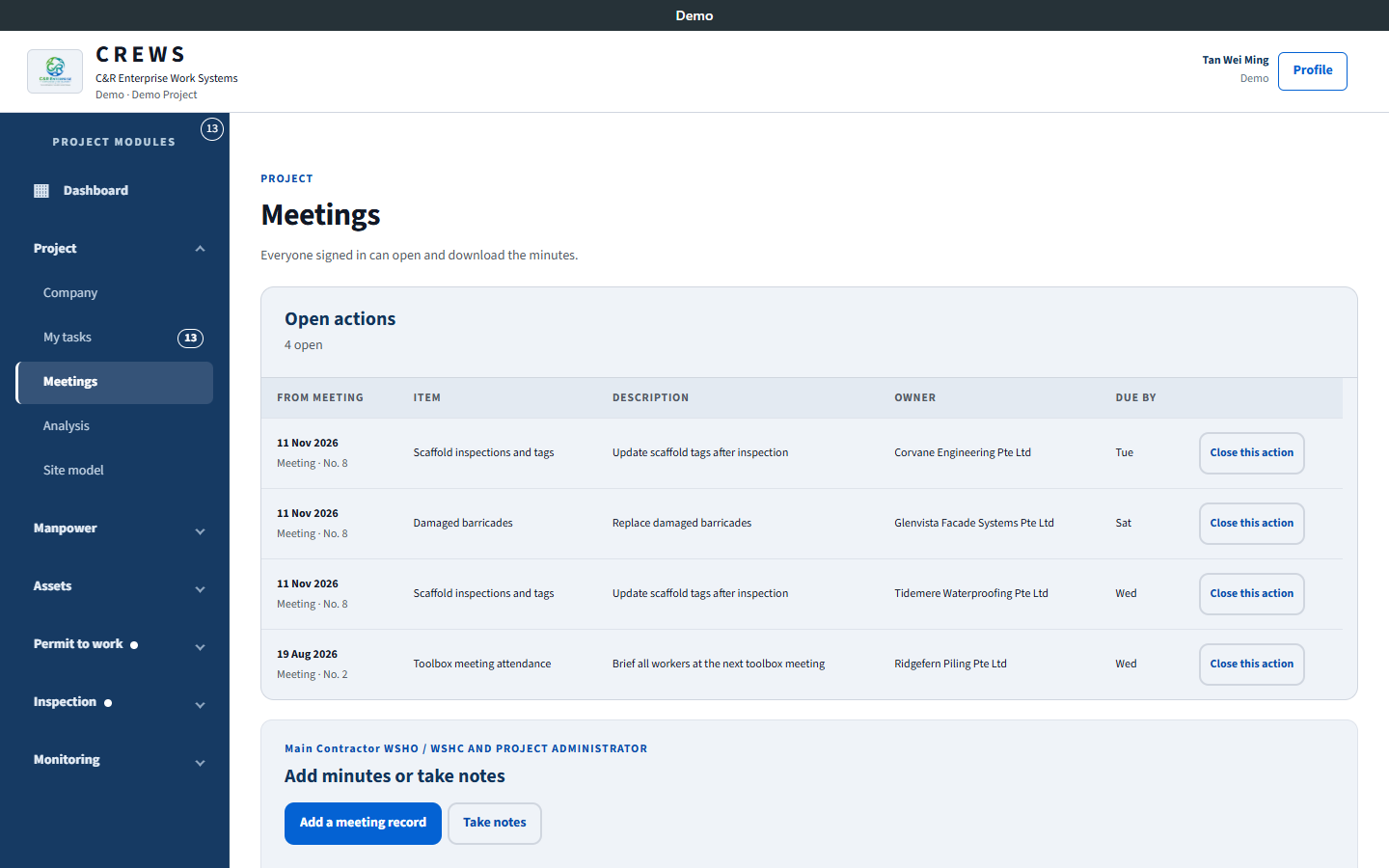
Templated minutes format for easy documentation.
Everyone signed in can open the minutes.
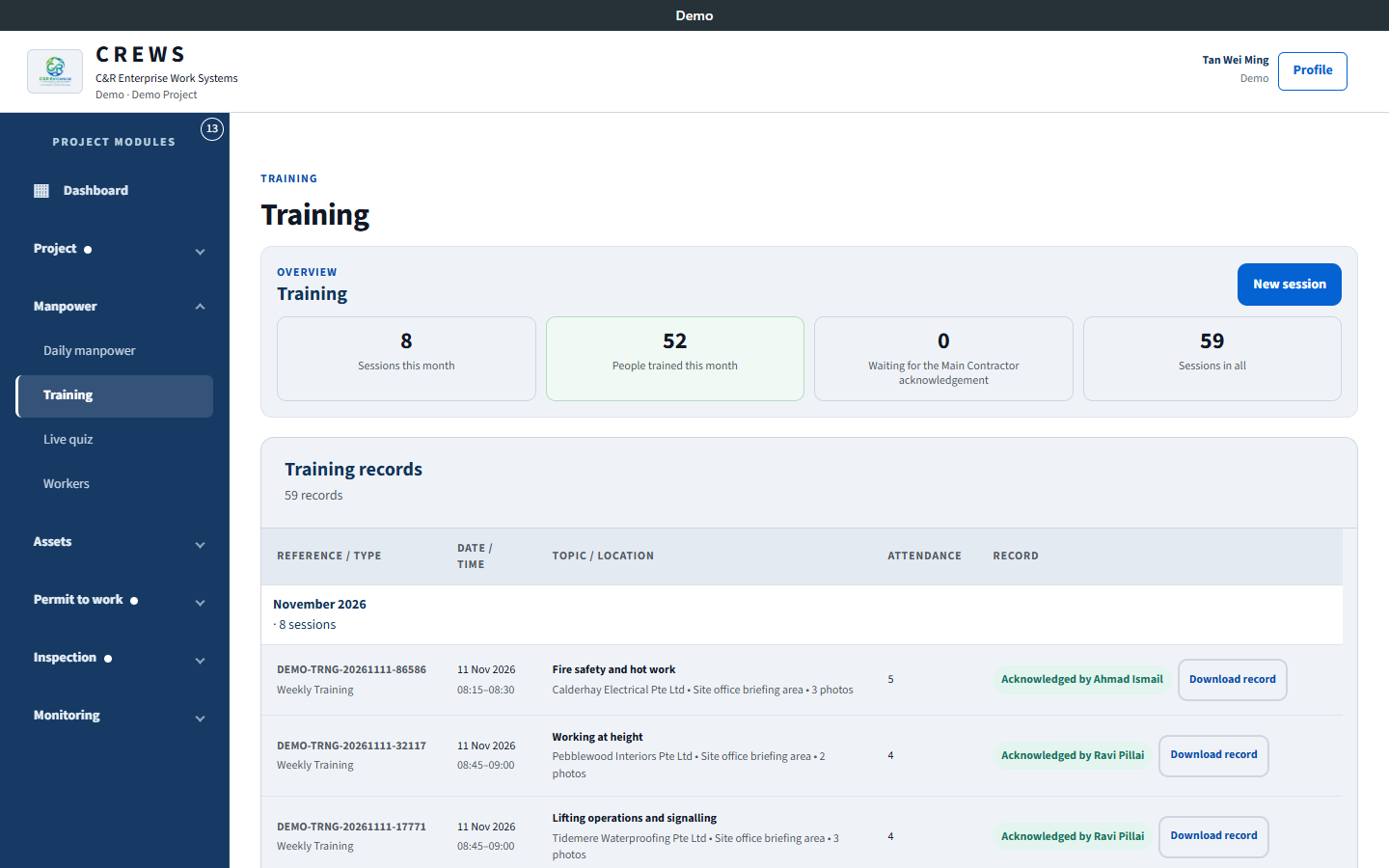
Training
Safety learning as a game, with points and rankings.
Build your own quizzes. Built-in guides for all users.
Site model
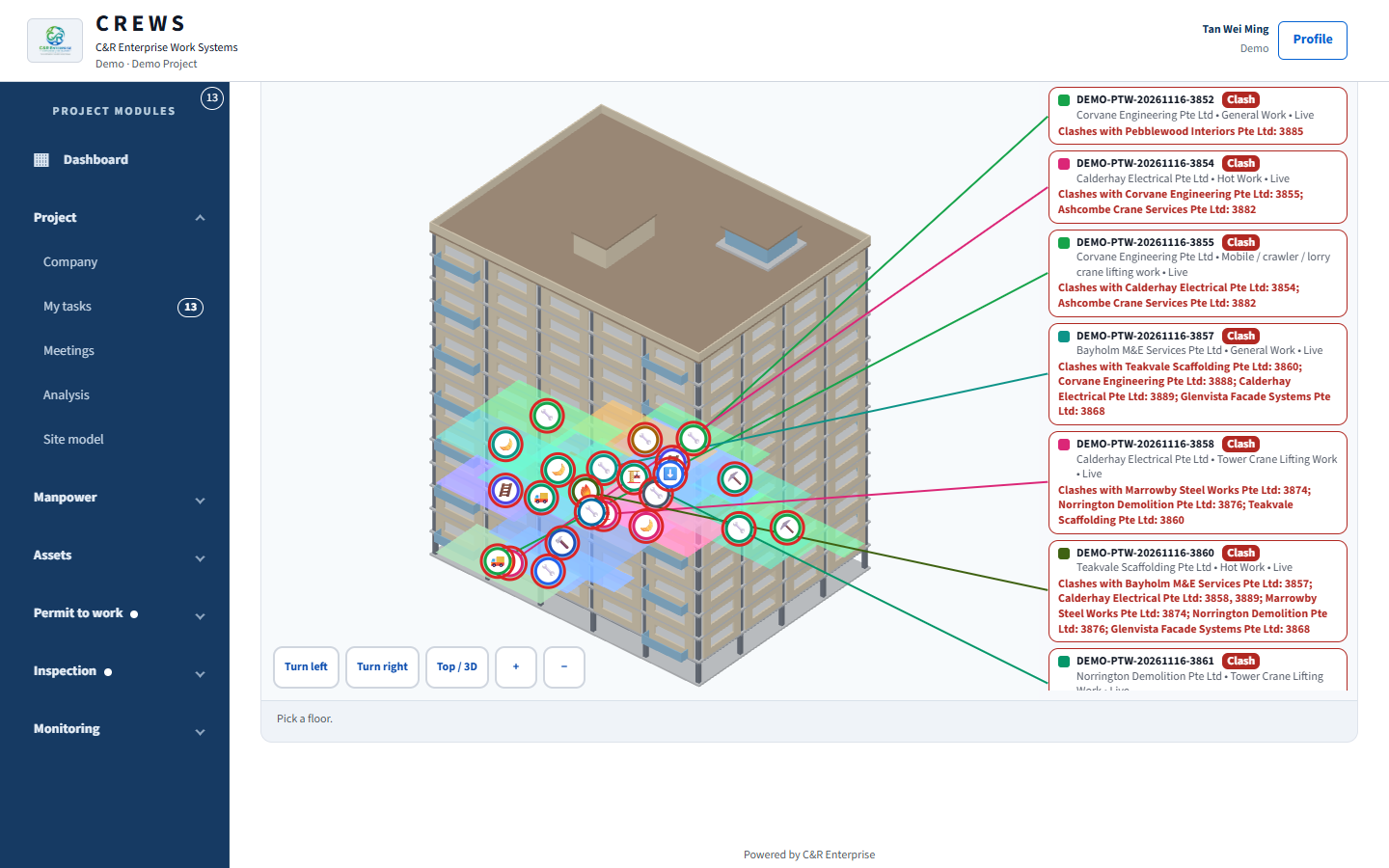
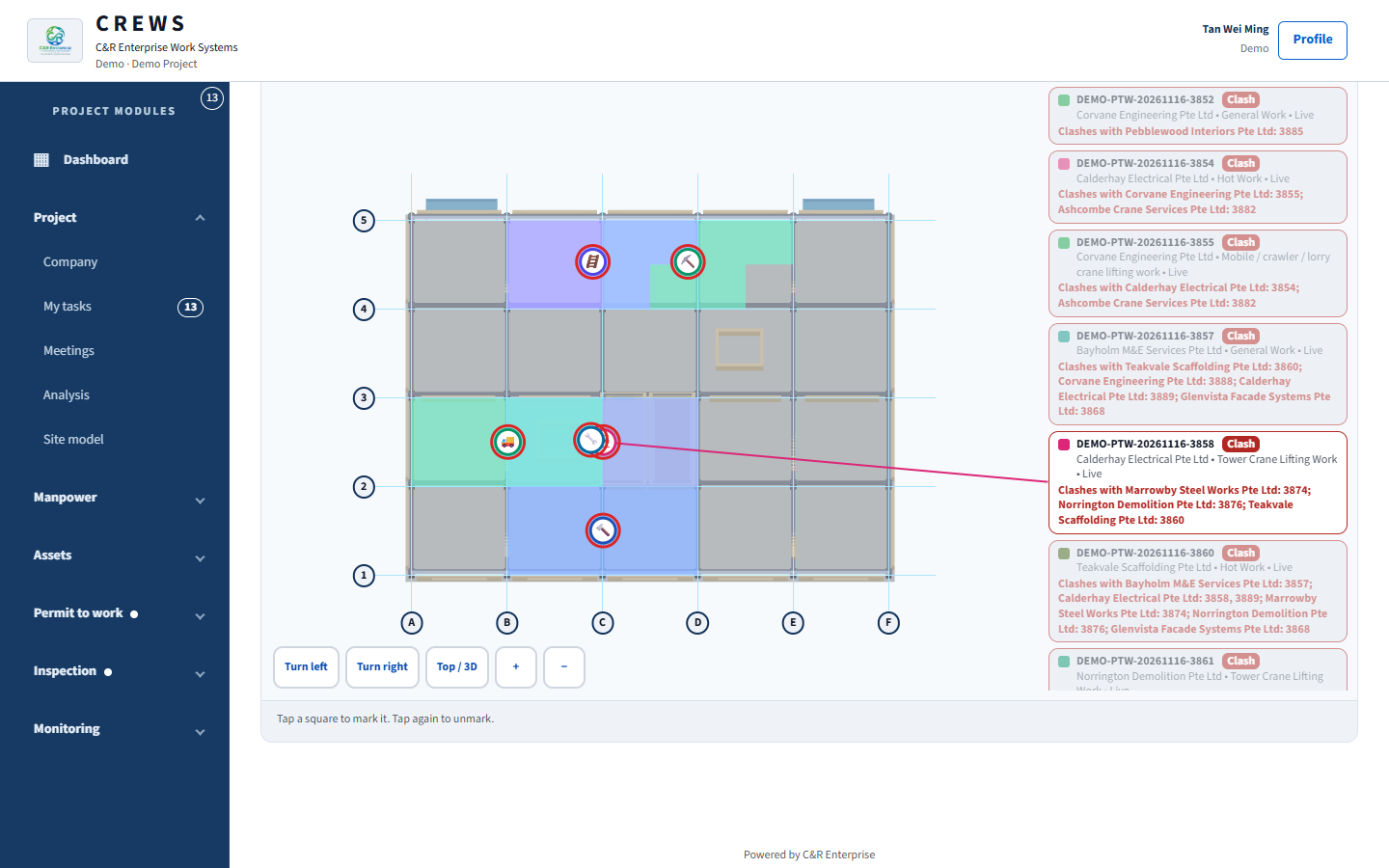
Each permit's work area is marked on a 3D model of your site, floor by floor.
Clashes between companies are shown with a red ring.
Which CREWS package suits you?
Answer a few questions, tick what you need, and ask us for a quote. No sign-up, no prices shown.
Your answers are not sent anywhere automatically. "Ask for a quote" opens a draft in your own email app, and we receive it only if you send it.
Suggested package:
We can also compare it with the Project package in your quote.
So a project handed over before 6 months is still billed for the full 6 months.
Included: all core modules. No set-up fee. Site workers are free when they only use the worker functions.
We train on site in Singapore. Sites outside Singapore are trained by video call.
- site UI changes (how the app looks or is laid out for you)
- custom features built only for you
- extra training visits after the free training (one site, one day each)
- a project above 2,000 workers on site a day, or one that grows past it (load test first, then its own agreed price)
Price: quote on request. Book a walkthrough and get a written quote.
This is a guide only, not a quote or an offer. What applies is set by your written quote, the signed order form and the C&R service agreement.
How it works on site.
Clear approvals.
The right person signs at each step.
Works without signal.
Save permit work, checklists and photos on your phone. CREWS sends them when you reconnect. Site walks, revoking a permit and acknowledging a lift still need a signal.
The right screen for each role.
Approvers see permits to sign. Workers see their own pages.
Take your records with you.
Download a permit record as a PDF.
See it
We show you CREWS.
Set it up
Your permits, steps and companies.
Go live
Your first training is included.